Card payments
Get paid when clients book.
Visa · Mastercard
Bookings, payments, no-show protection
and your team. All in one place.
21-day free trial.
No card required.
Payments powered by


Calendar · Illustrative demo appointments
Let clients book in a browser.
Cash and card payments.
Visit history and haircut notes.
Staff schedules and roles.

Clients book in their browser. No app or ClipWise account needed.
Let clients discover your shop and book in one place.
Clients choose their services, with prices and duration upfront.
Book the right amount of time for every service.
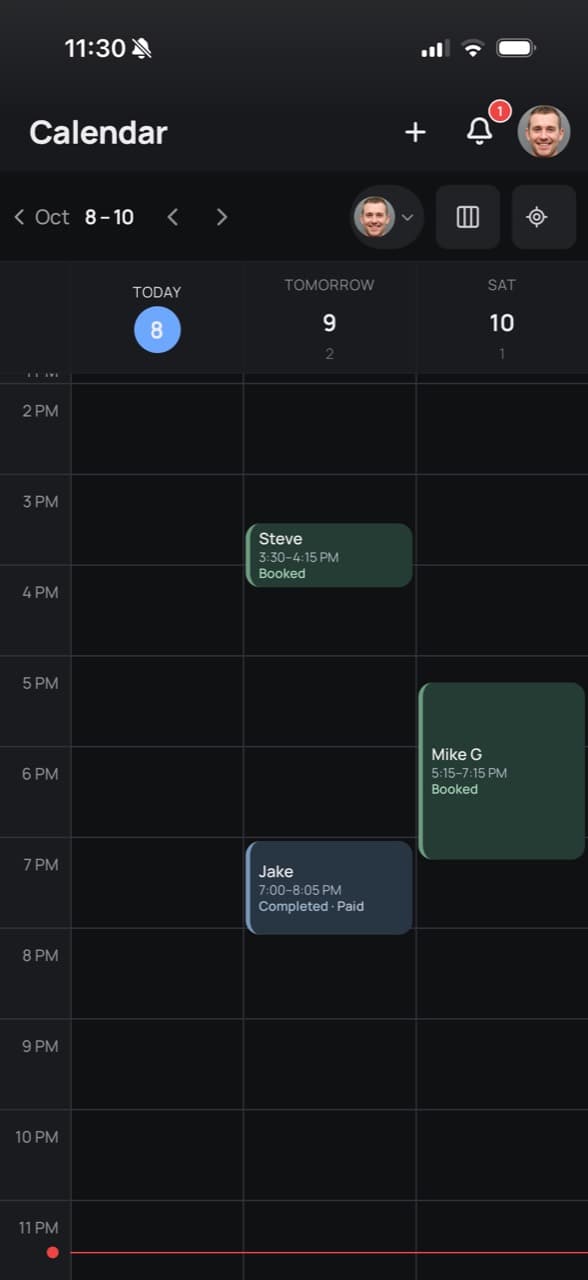
Your team’s schedule, from first booking to final checkout.
View each barber’s bookings, completed visits and open time.
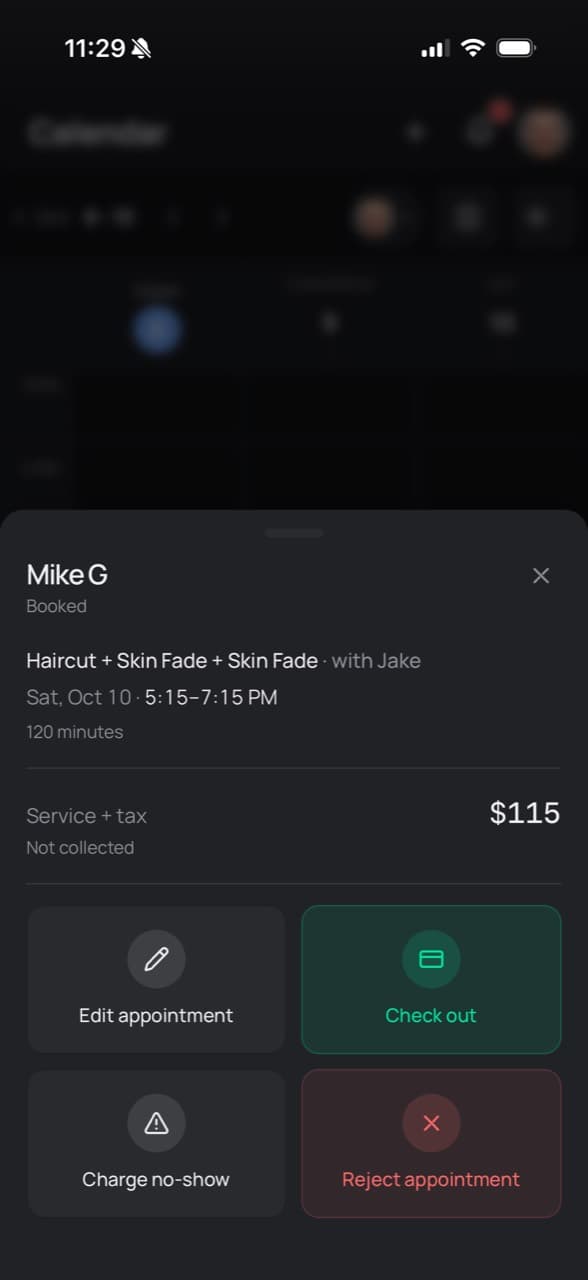
Reschedule, edit details, or record a cancellation or no-show.
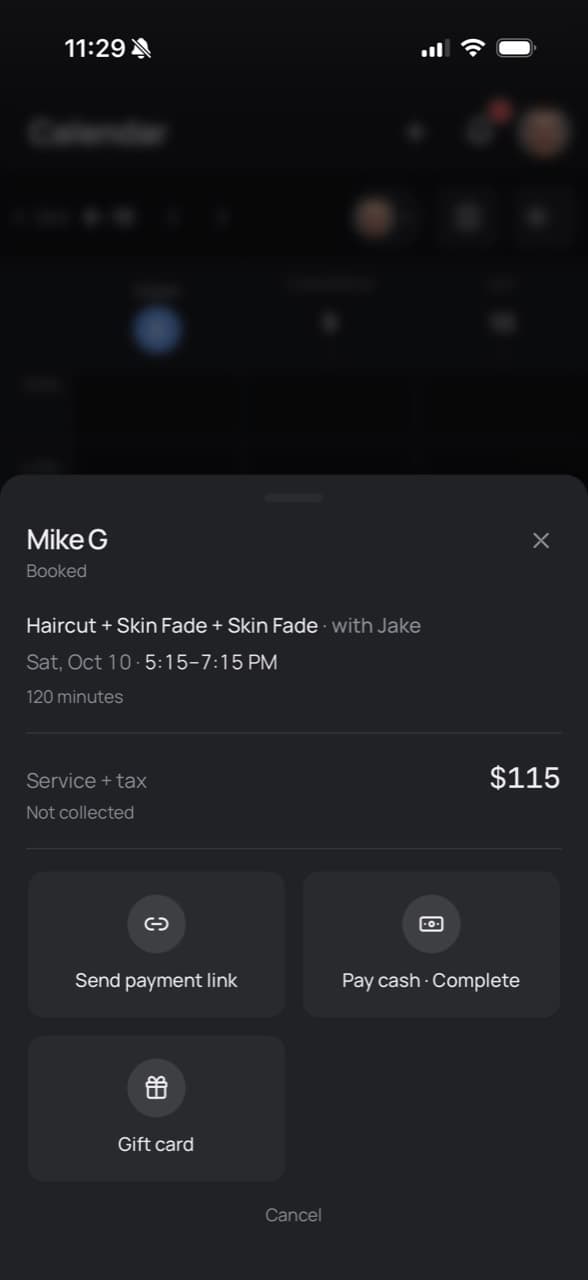
Take cash, send a payment link or apply a gift card from the appointment.
Track earnings, unpaid visits and refunds.
Spot unpaid visits and follow up with a payment link.

Filter by method or status to find answers faster.

Know what you keep. Refund from the same screen.

Get paid when clients book.
Faster checkout on supported devices.
 Link by Stripe
Back your no-show policy with a saved card.
Turn visits and purchases into points clients can redeem at checkout.
Per completed visit, per dollar spent, or both.
You decide how points translate into discounts.
Apply points to reduce the client’s bill.
Loyalty is included in Pro and Premium.
Try the tools you’ll use every day.
Interactive demo · Sample data
Open an appointment to see the details and next steps.
Prices are in Canadian dollars.
Loading current plans…
Prices are in CAD. Card processing is billed separately by Stripe. Card readers are sold separately. Learn about payments.
Yes. Choose a barber to focus on their schedule, or view the team together.
Find the transaction, payment status and any refunds in Payments.
Starter includes an online booking link. Pro and Premium include a shop website with online booking. Compare plans.
Pro and Premium support customer card payments after Stripe is connected. Apple Pay and Google Pay may appear on eligible devices. Starter does not include customer card payments or POS. See how payments work.
No. Card saving is optional and depends on your no-show settings and Stripe setup. When enabled, the booking page shows the policy; saving a card does not hold funds.
Stripe processes card payments through your connected shop account and pays out to the bank account configured with Stripe. Stripe’s verification requirements, fees and payout schedule apply.
Yes. Every plan—Starter, Pro and Premium—starts with a 21-day free trial, no card required. After the trial you have 7 days to choose a plan before your shop is paused.
Verify your email and set up your shop. Choose a plan during setup if you haven’t already.
Made in Canada
21 days to try ClipWise. No card required.